Project teams
Pin a feedback link in each Teams or Slack channel during a pilot.

Share with links
Share a form in a chat, a project page, or a partner message. Use separate links to see where responses came from without creating a separate survey for every audience.
A project lead wants field staff and support staff to report problems with a new process. Both groups already have their own chat channels.
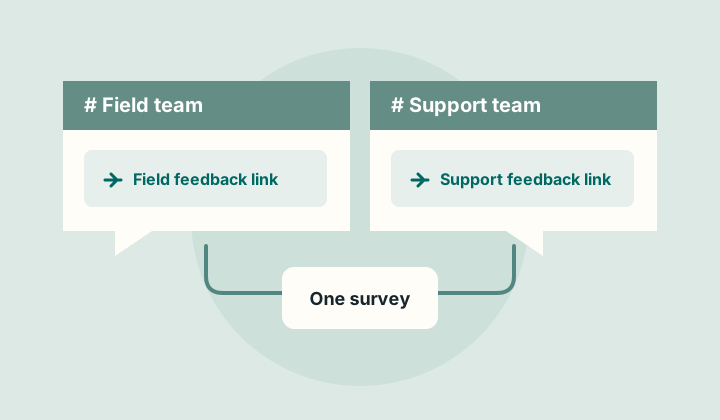
Pin a feedback link in each Teams or Slack channel during a pilot.
Give each partner a distinct link to report recurring service issues.
Compare submissions from a staff newsletter and a handbook link.
Send individual email invitations or place the form directly on a page.
Request a demo