Event organisers
Ask registered attendees what worked and what to change next time.

Share with mailing lists
Use a mailing list when you have email addresses and want a record of who's been invited and who's answered. Send invitations through your organisation's configured mail server.
A training coordinator wants to know what attendees can now do confidently and where they need more support.
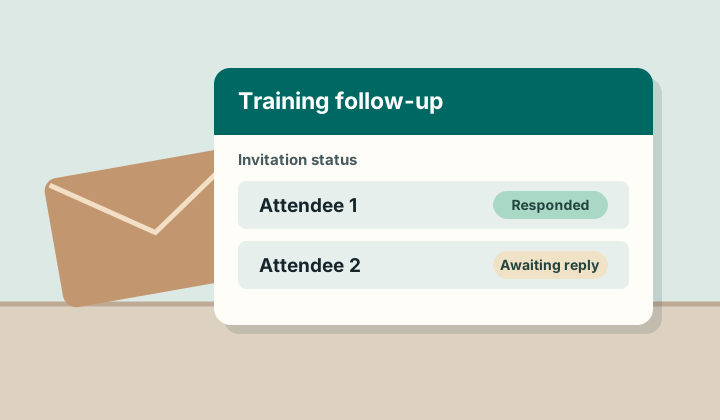
Ask registered attendees what worked and what to change next time.
Send a check-in to an onboarding cohort.
Invite a selected list of customers to give feedback after a rollout.
Use a dedicated link or assign a survey to named app users.
Request a demo